



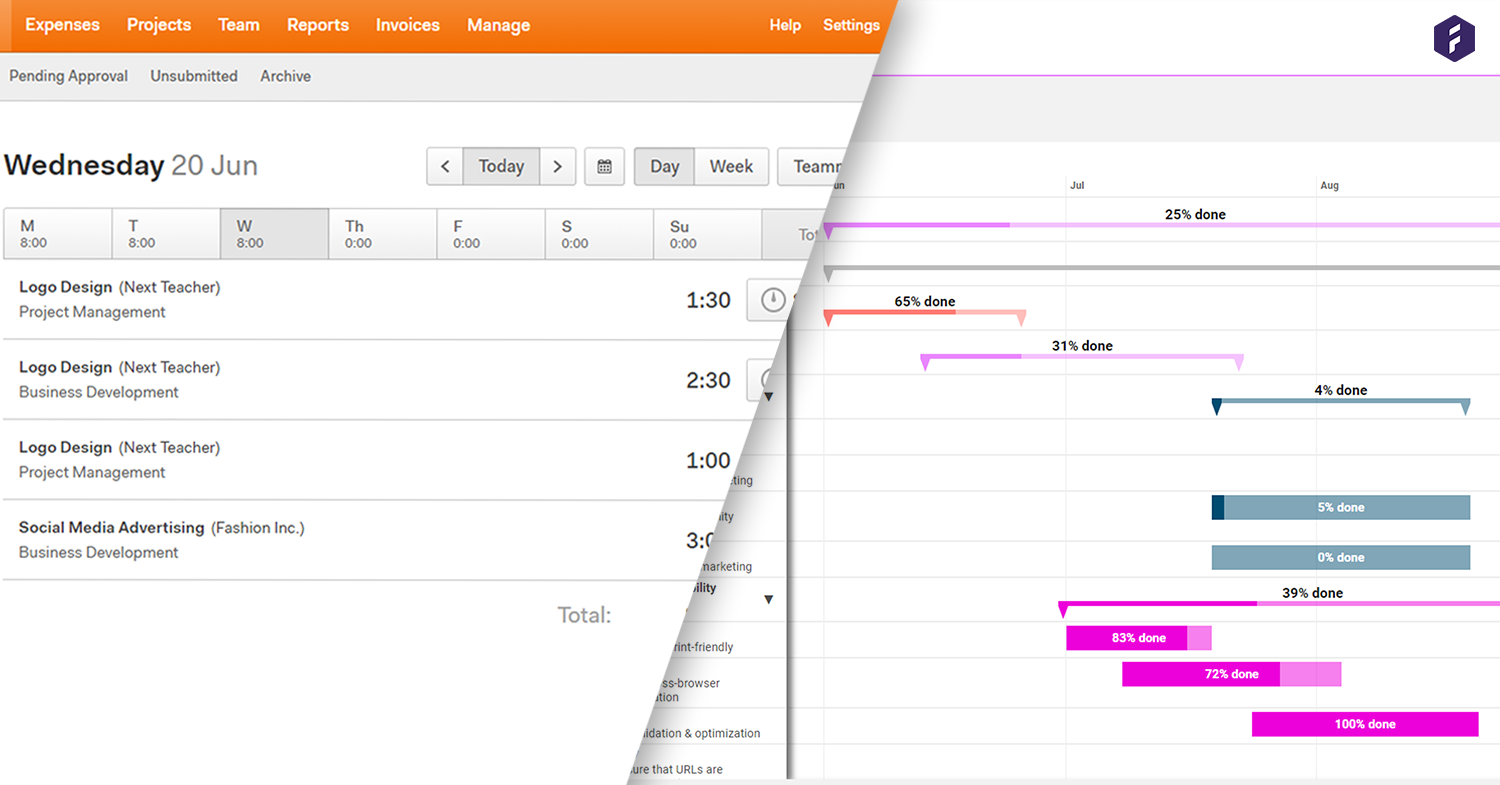
Billing your clients should be quick and easy. Don't you agree? Invoicing doesn't really bring any further value to your project, and thus the time spent doing it should be kept to a minimum. Connecting your invoicing tool to your project management solution can do wonders. Syncing your time registrations can save you time and money wasted on duplicate work.
Harvest is a great tool for time tracking and invoicing, but how do you manage your workflow beforehand? Or what about having insights into your projects during and afterward? This example will show how you can benefit from connecting time tracking and invoicing with a project & resource management solution.
1. Flawless Statement of Work (SoW)
A natural flow of a project begins with the Statement of Work (SoW). The SoW is where you define the work by scoping milestones. Milestones are collections of tasks which segment your project work. Once you add tasks to each milestone, it's essential to add a start, and end date to create a set timeframe of the project. Some critical questions to consider are: When does a SoW need to be done? Who should do it? And, how much time do we need to allocate for each milestone and task?

After you complete the SoW, you'll be able to move the project into a running phase and begin cracking. As you're working with a board or with a workflow, you'll be continuously moving tasks from to-do, to in progress, to done. Now, as you move along, without a complete solution, you would frequently switch between tools. For example, using one tool to manage your projects and tasks, while working in another platform to manage your budget, time registrations, and invoicing. You can see how this may create some inconsistencies in your project work since there wouldn't be a clear overview of the project and your team's working process. But with an integrated solution, where you transfer your registered time on the project to Harvest, you'll benefit from having that better overview.
2. Create a Precise Budget
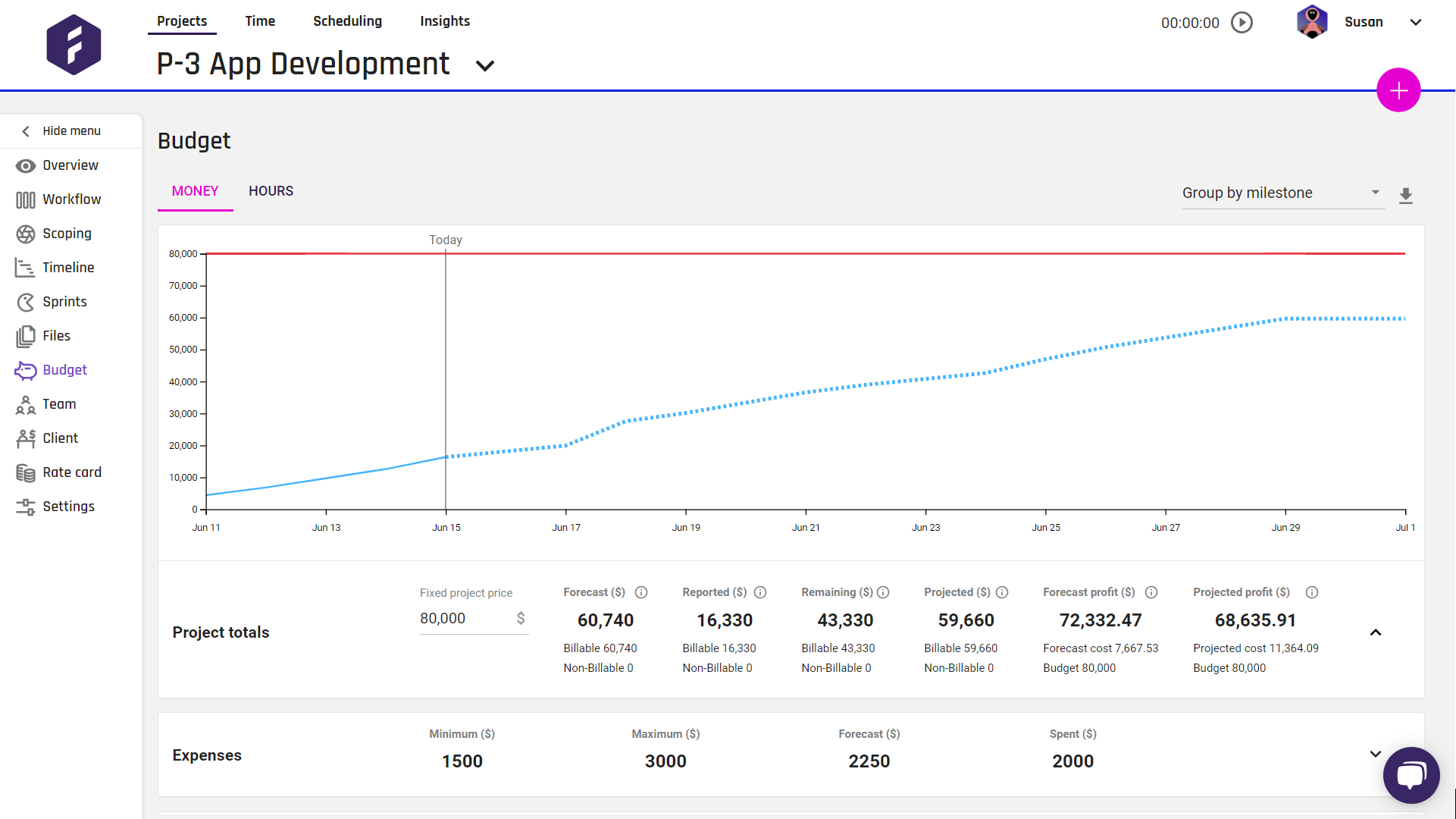
In Forecast, you can already manage your projects, tasks, time registration, schedule, and budget. The budget is based on the information entered in your SOW, or Scoping as it's called in Forecast, and the registered time on each task. The budget is estimated before and during your projects based on the rates you've selected for each role, and the estimated hours based on our algorithm and your low- and high estimates. This is additionally a great tool for setting up a sales proposal based on real objective data from your company's previous projects. Giving you an estimate of the costs and resources needed to execute the project.
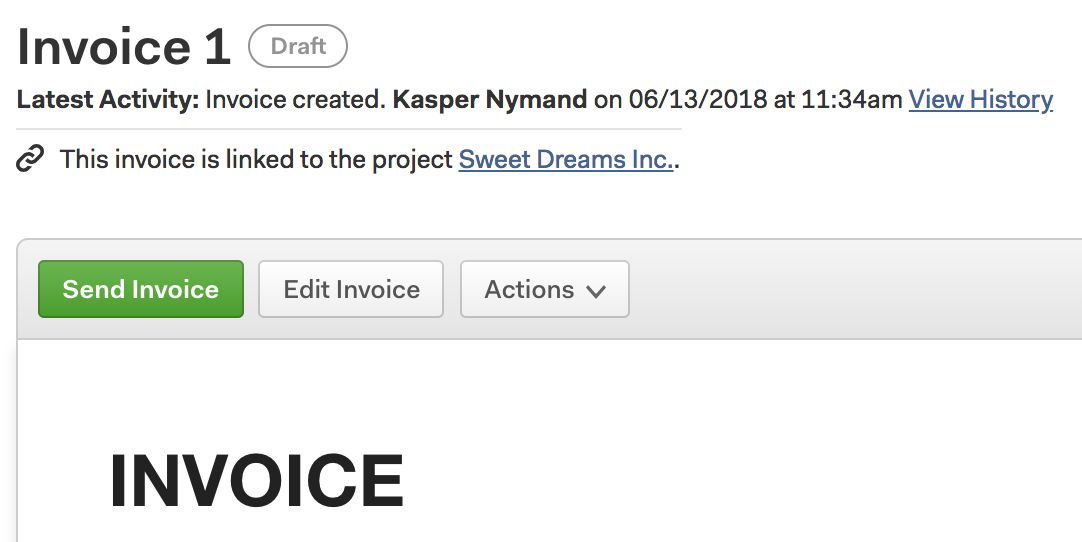
During the project, all time registrations, needed for invoicing, are simultaneously transferred to your Harvest account. Using the Forecast and Harvest integration, your projects, are linked, and your data is always in-sync in both platforms.
3. Share Real-Time Insights
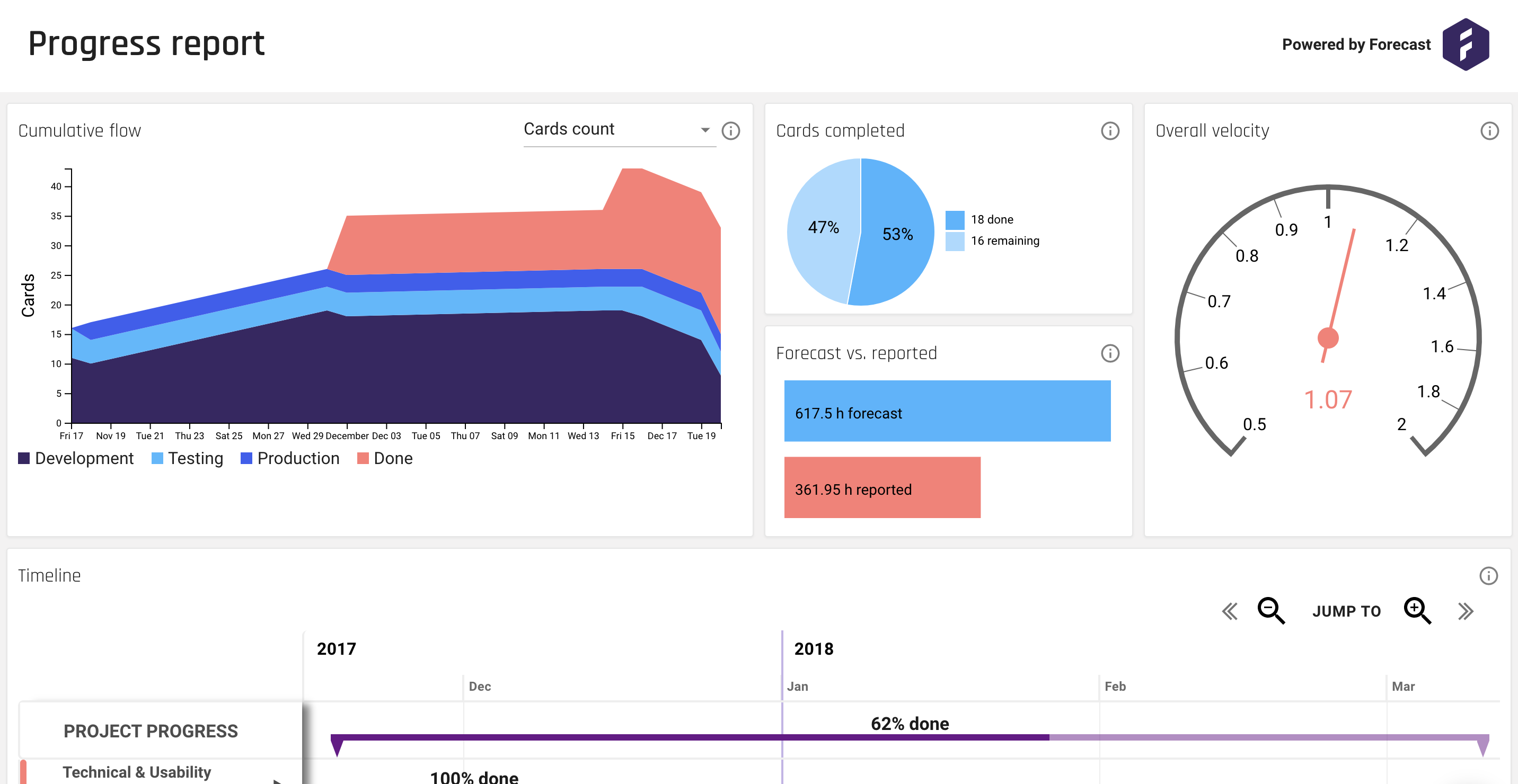
After billing your client, you might be interested in looking into the many insights made available to you through the Forecast platform. You'll find insights for each of your projects, people, the entire portfolio, or the business overall. You simply select the desired components, and dig in. The insights are updated in real-time so your clients are always up-to-date with the latest project progress.
Want to learn more about this integration?
Find out more about how this integration can benefit you and your project work. Get started now with using Harvest and Forecast.
Like what you read? Here are some other articles you might also enjoy:




.svg)

.svg)













